SHAREのPointCloud Studioのクリーンインストール方法に関してです。
以前のバージョンに戻したい時は、クリーンインストールをお勧めします。
クリーンインストールの手順
サポート専用ページです。
i-constructionに必用な点群ソフトウエアとUAVを全面サポートします。
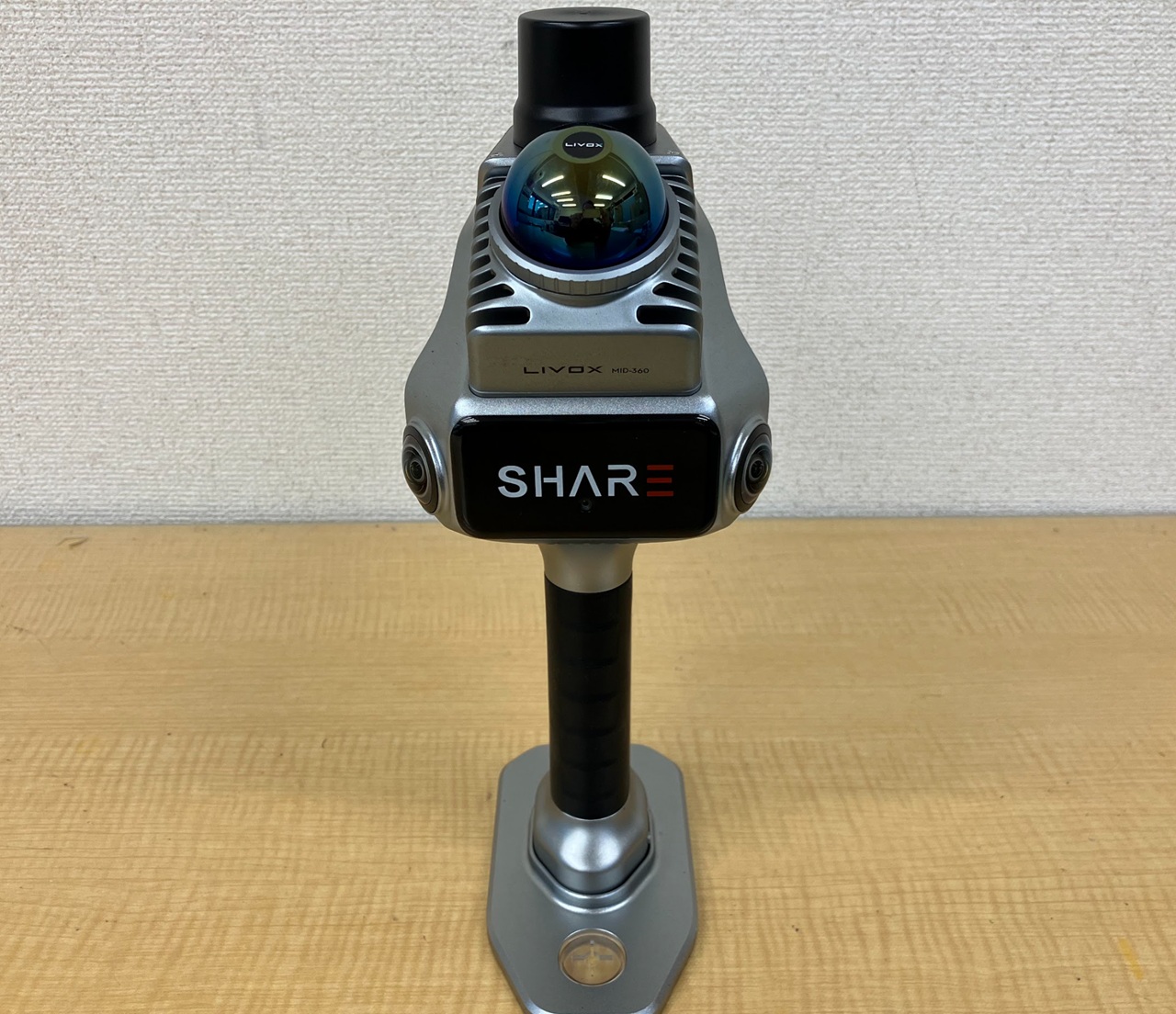
SHAREのPointCloud Studioのクリーンインストール方法に関してです。
以前のバージョンに戻したい時は、クリーンインストールをお勧めします。
クリーンインストールの手順
サポート専用ページです。